Viewing and Filling Forms
How do I view and fill forms?
Desktop
-
Open the Appointments tab (Requested/Scheduled/Completed).
-
Select the specific appointment.
-
Click on Access Forms.
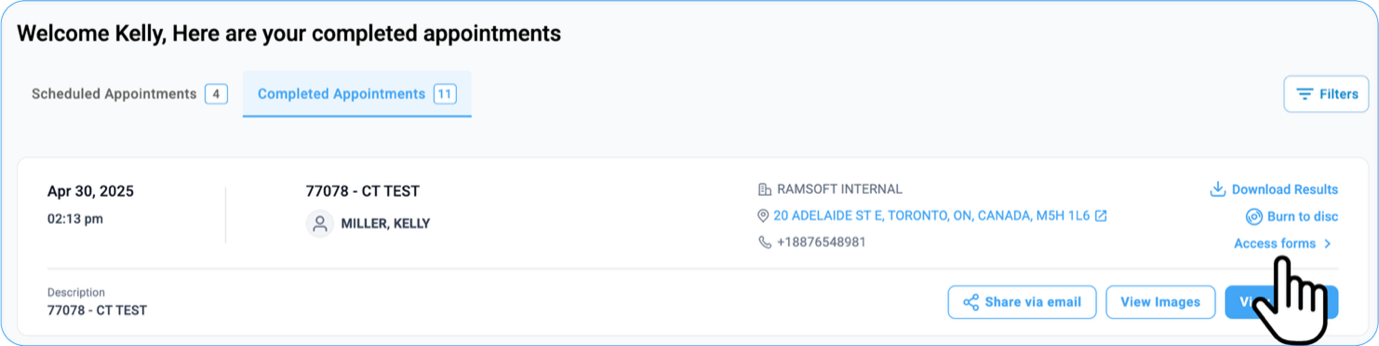
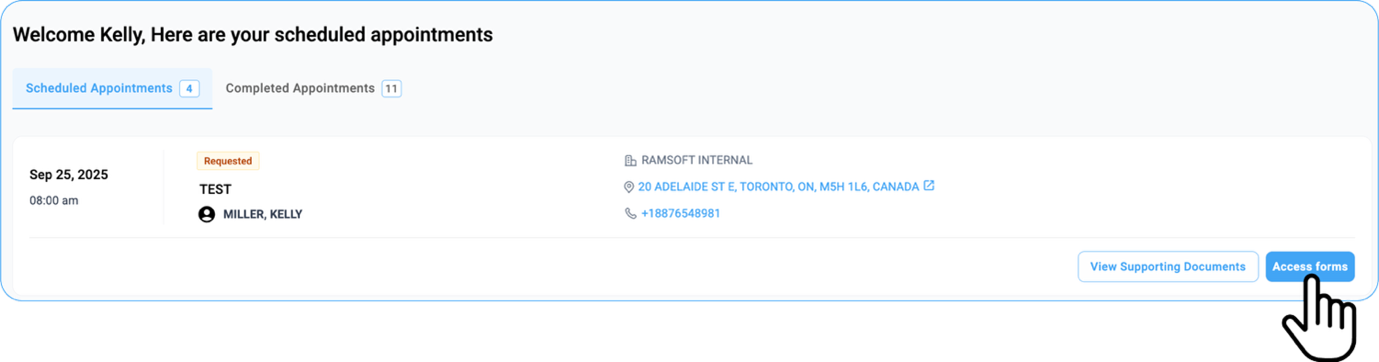
- Pending and completed forms are categorized into:
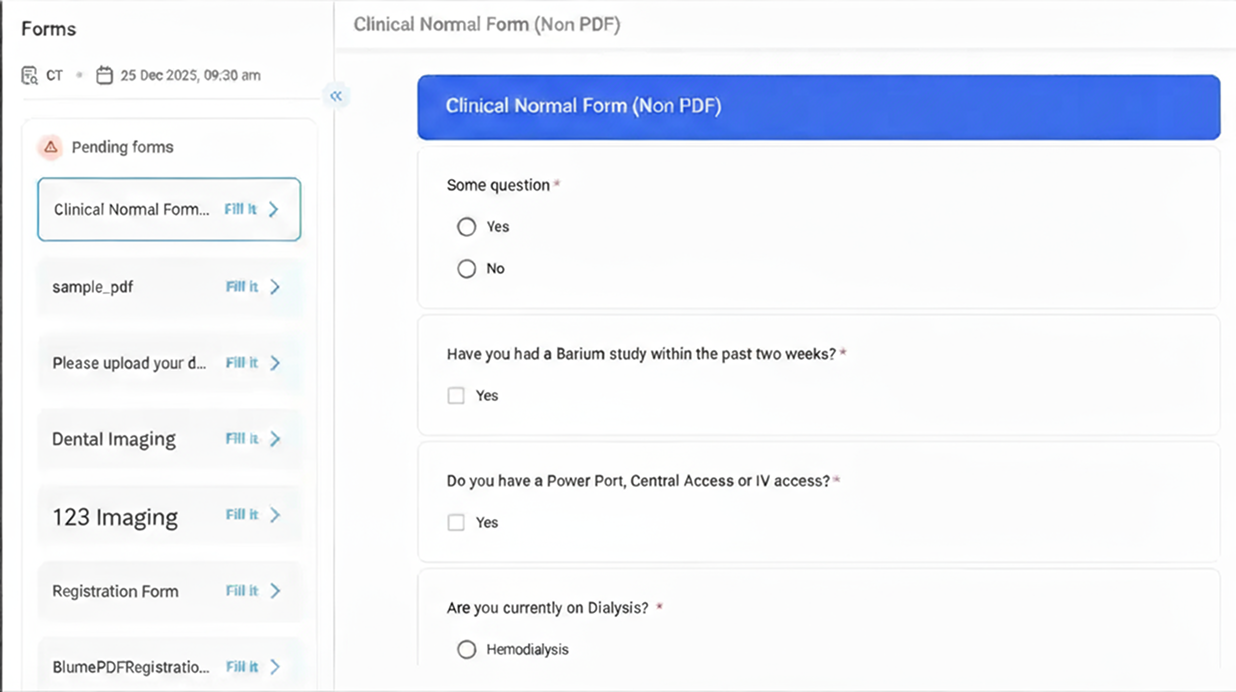
-
Registration Form
-
Clinical Form
- Choose the required form to view or fill it in full screen.
Mobile
-
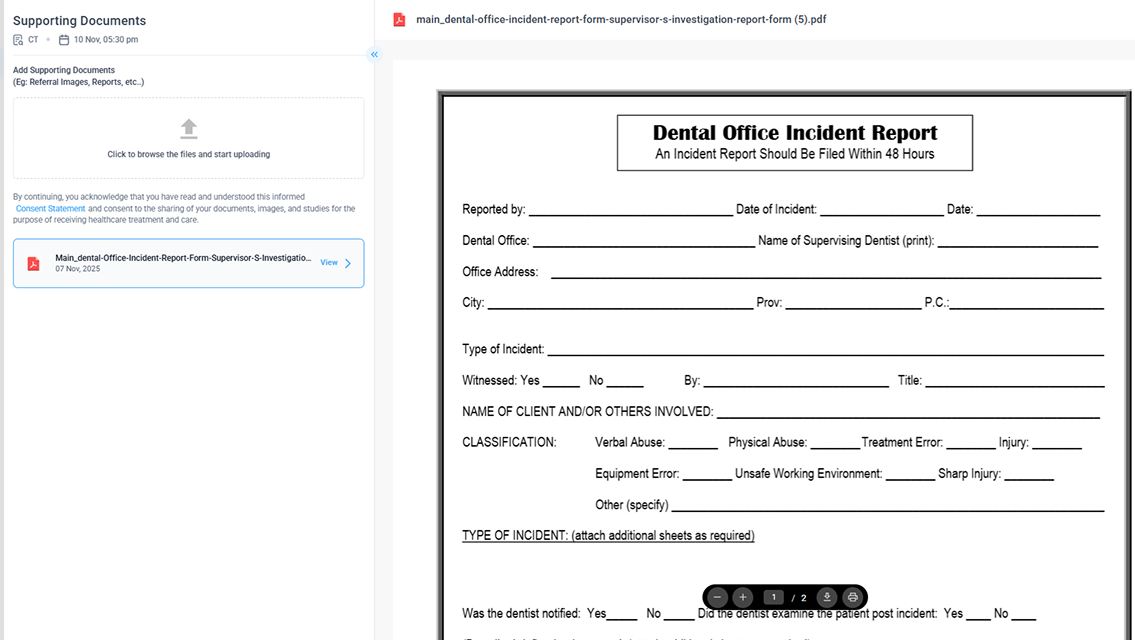
Under Scheduled Appointments, the Fill Out Forms option (formerly labelled as Access Forms) is now displayed directly at the bottom of the selected appointment card, positioned above View Supporting Documents.
-
Forms are categorized into: a. Registration Form b. Clinical Form
-
Select the required form to view or complete in full-screen mode.